
Merge Pictures · Online Picture Merge Tool
Upload at least 1 picture first
Merge Tutorial
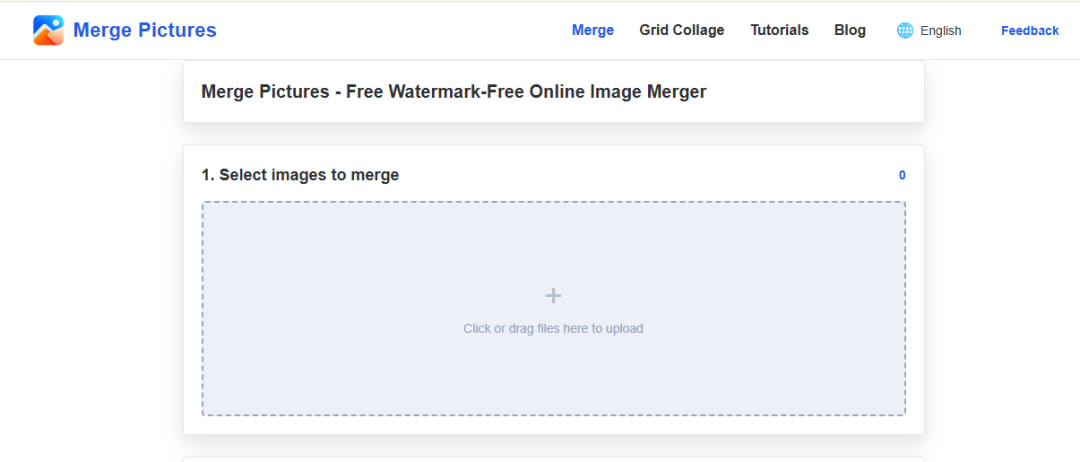
Step 1: Upload the pictures you want to merge.
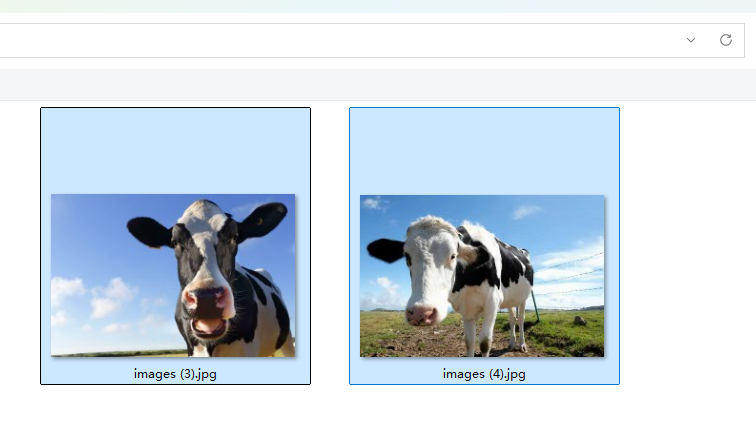
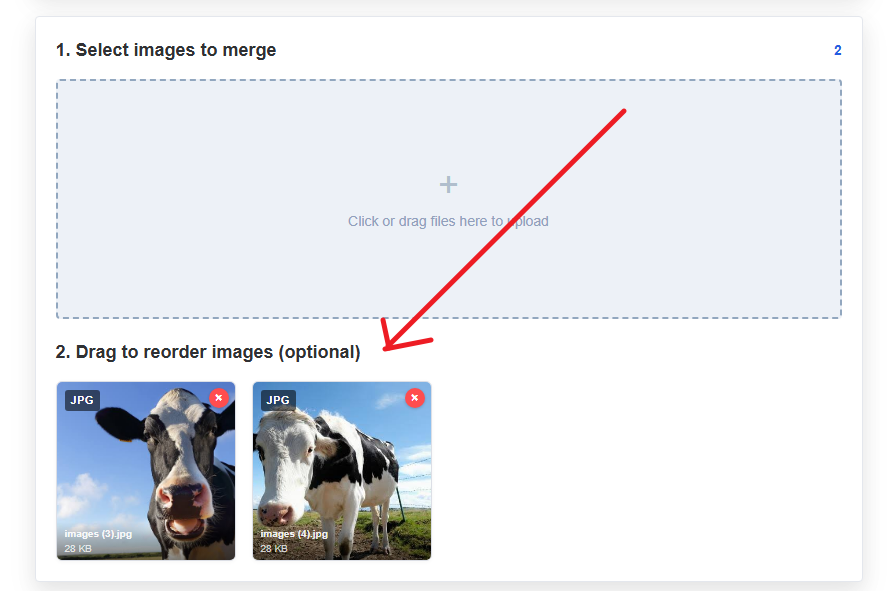
Step 2: Drag to reorder the pictures.
Step 3: Choose a layout and set parameters.
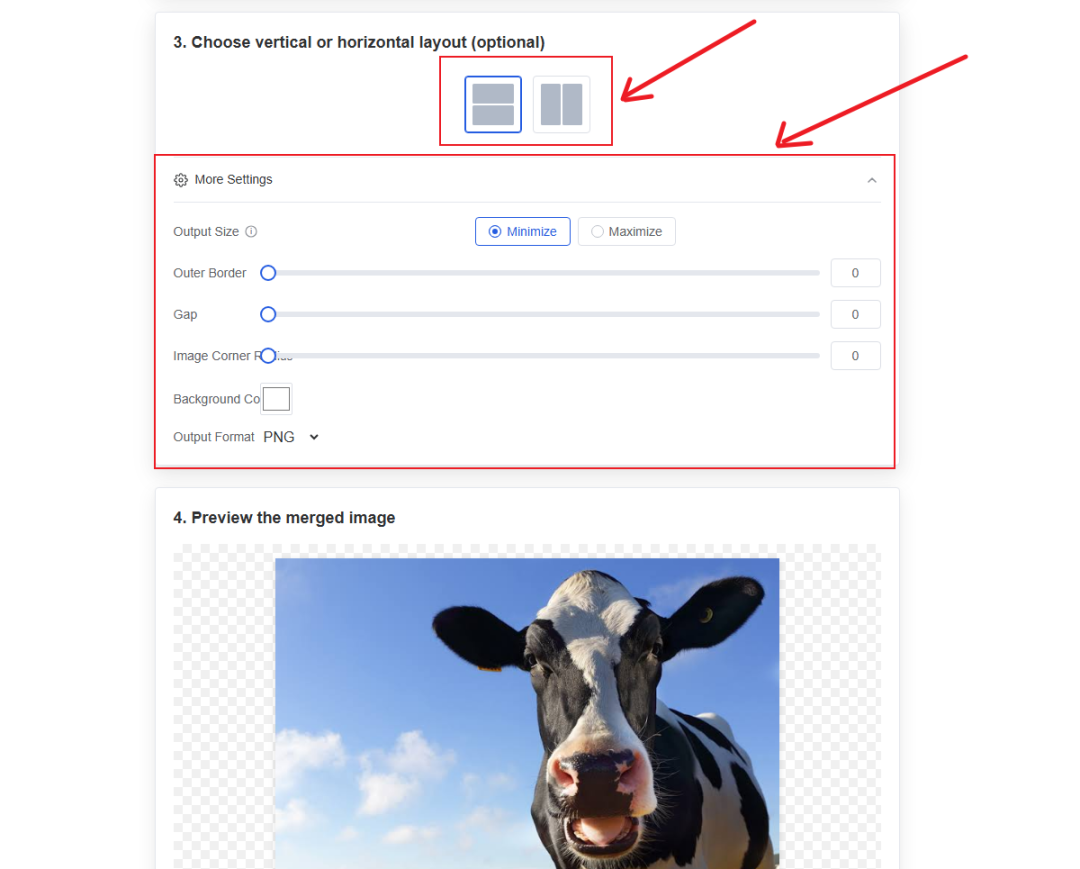
Step 4: Preview and download the merged picture.
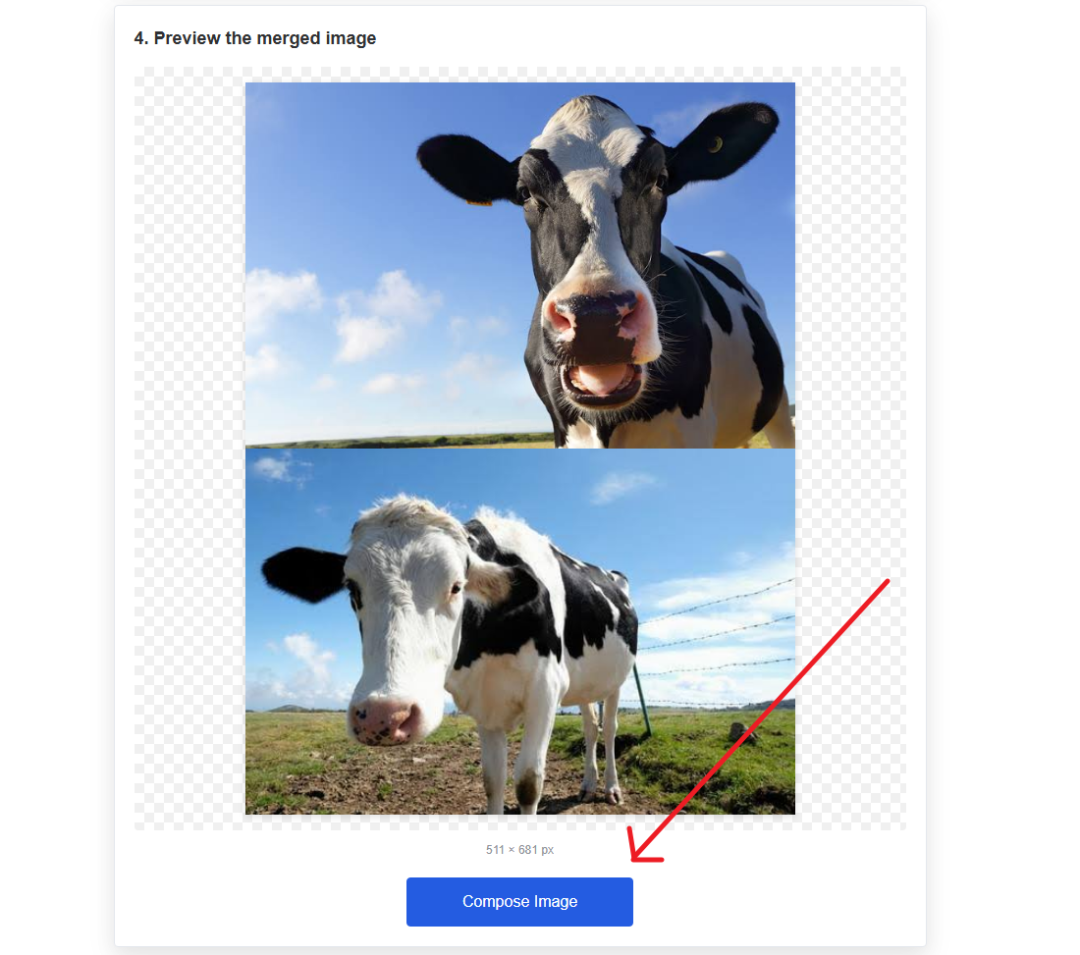
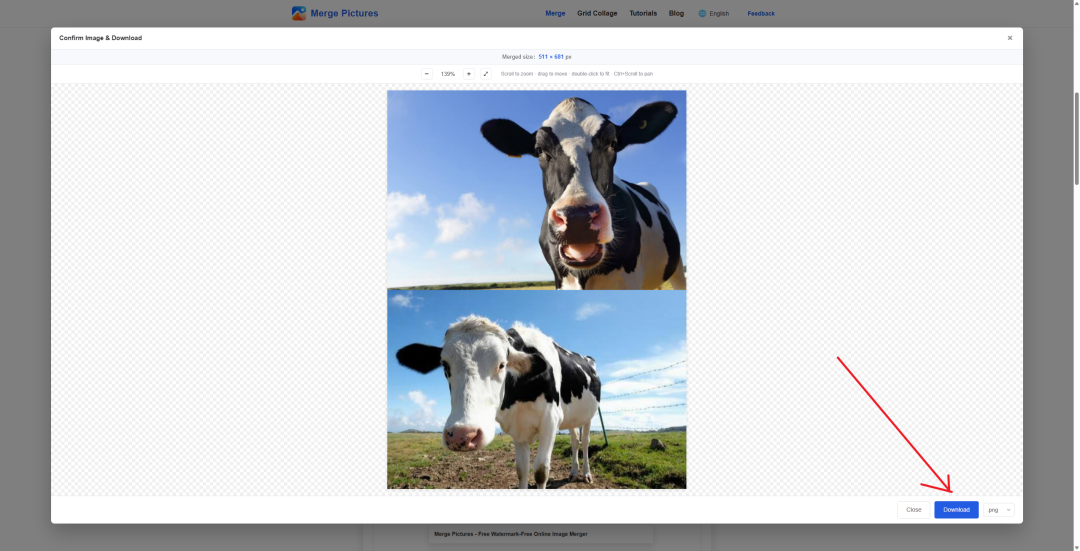
Merge example
Comparison between the sources and the merged result.



Explore the grid
Combine pictures into a 3×3 grid
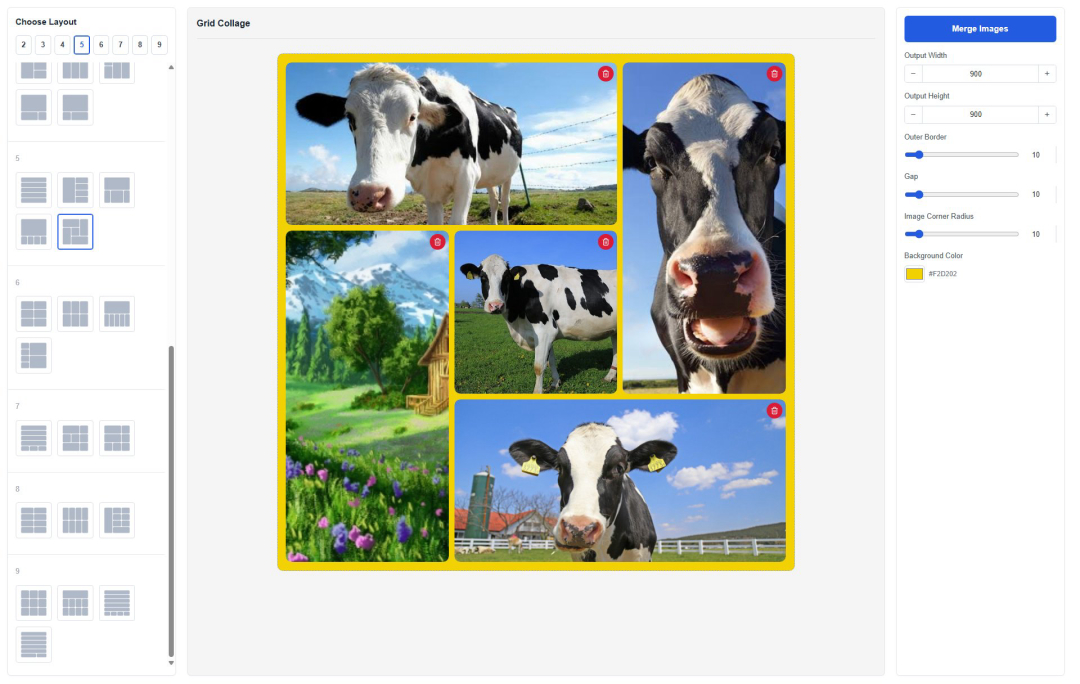
Try more layouts
Try the 3×3 grid to combine 9 pictures into one.
Simple, free and private
All pictures are processed locally in your browser — never uploaded to any server.
Merge in three steps, no sign-up required.
- ✓Local processing, privacy protected
- ✓Multiple layouts and custom styles
- ✓One-click download of HD pictures
Data Security
Merge Pictures runs entirely in your browser. Pictures are never uploaded to any server.
You can safely merge pictures that contain personal privacy.
Key Features
Local processing, private & secure
All pictures are processed locally in your browser — never uploaded to any server.
Simple to use
Merge in three steps: upload, pick a layout, merge with one click.
Drag to reorder
Drag to arrange picture order, what you see is what you get.
Custom styles
Tune gap, background and margins to craft your own collage style.
One-click download
Download the merged HD picture in one click.